

A baby tracker that grows with your baby.
From the first bottle to the first spoonful, Newbie Parents keeps track of the small details, so you spend less time remembering and more time with your baby.
 Everyday logging
Log activities, even one-handed at 3am.
Log a feed, a diaper or a nap in a couple of taps. The time is filled in for you, and you can change it if you're catching up on something from earlier. Got something wrong? Undo it or edit it straight away.
- Start a feed or nap timer, hand over the baby, and anyone can finish it
- Switch breastfeeding sides mid-feed without starting over
- Every entry shows who logged it


 Sleep
Sleep
A rough idea of the next nap and bedtime.
Planning a clinic visit or a workout around your baby's sleep? Get a rough idea of the next nap and bedtime. It starts from typical awake times for your baby's age and adapts as you log sleep. Every baby is different: it's a guide, not a schedule.
- Next nap and bedtime, with a wind-down time
- Dropping a nap? Just tell the app
- See how every estimate is worked out




 Solids
Starting solids, one spoonful at a time.
When solids start, usually after 6 months, the questions change. What has your baby tried? Have they had egg yet? Enough iron-rich food? Newbie Parents brings together a food guide, an allergen tracker and a quick meal log, and counts iron-rich foods each day.
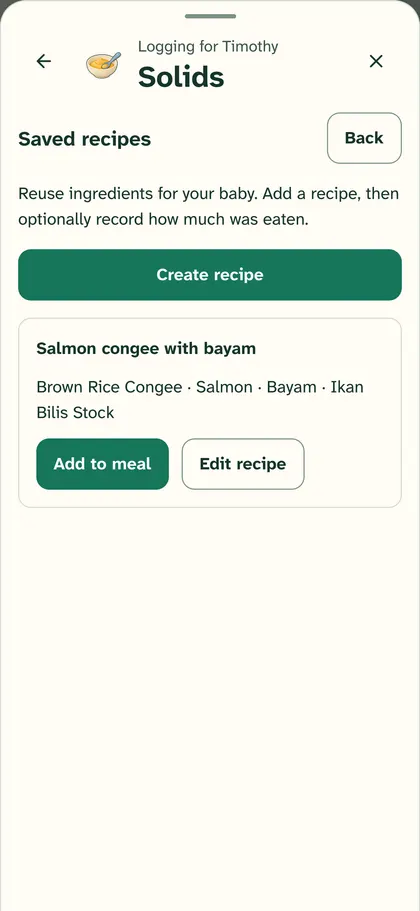
Save your recipes
Save the meals your family makes again and again, like congee with fish and spinach, and log them in one tap next time. No more adding the same five foods one by one. Every ingredient still counts towards the foods and allergens your baby has tried.
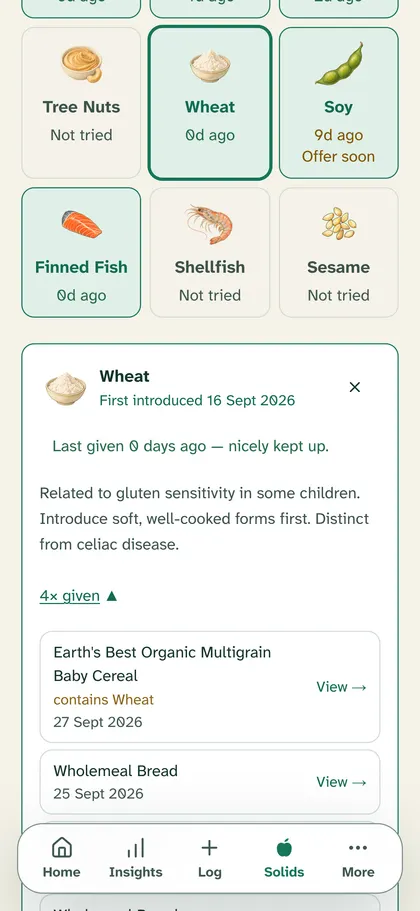
Packaged foods count too
Does that baby cereal count as wheat? Log a store-bought cereal or yoghurt and the ingredients on its label are saved with the meal. If one contains an allergen, the tracker shows which ingredient it came from.
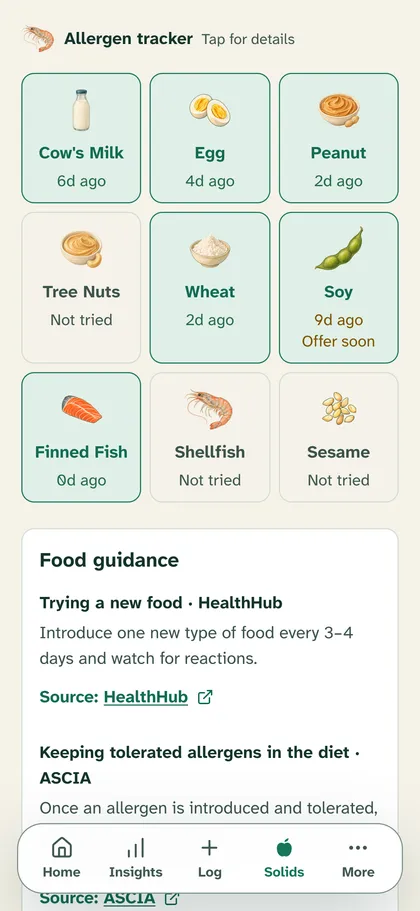
Track allergens
See which of nine common allergen groups your baby has tried, how many times, and when each was last offered. Note a reaction, and see what to watch for and when to get urgent help.
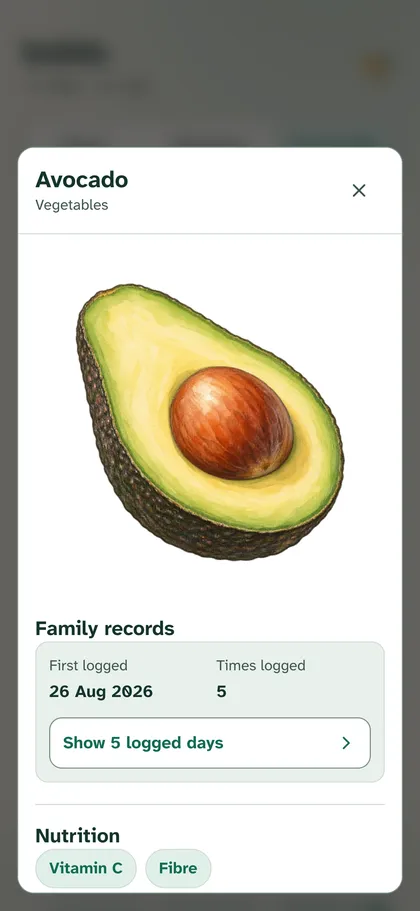
Look it up
How do you prepare kai lan for a first taste? Every food comes with preparation notes, allergen information and its sources. A small food encyclopaedia in your pocket.


More than 160 foods, including Singapore favourites.
 Avocado
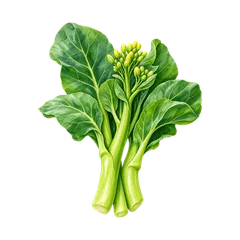 Kai lan
 Bayam
Bayam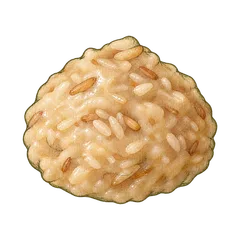 Congee
 Salmon
 Egg
Egg
Missing one your family eats? Tell us and we'll add it.
 Shared care
One record for everyone who helps.
Back at work while a grandparent or helper looks after your baby? Everyone you invite sees the same day on their own phone, as it happens, so you don't need to call home to ask. You choose how much each person sees.
- Owner
- Usually the parents. Invites family members and sets up each child's profile. A family can have more than one Owner.
- Caregiver
- Sees the full history and adds feeds, naps and diapers. Suits a partner or a grandparent who helps often.
- Helper
- Sees just today: the last feed, nap and diaper, and any timer running. Can add entries, but not older history or growth.

 Singapore Parent Guide
Singapore's new-parent to-do list, in a sensible order.
Registering the birth, the Baby Bonus, the first check-ups: the admin lands in the months you're sleeping least. The Parent Guide puts it in order, with every step linked to the official page.


New Parent Roadmap
Twelve steps, including registering the birth, the digital birth certificate, the Baby Bonus and Child Development Account, and your baby's vaccination plan. Tick them off together.
Vaccinations
Singapore's routine schedule: mark each vaccination booked or done, with reminders on your phone and where to go.
Benefits and leave
Maternity, paternity, shared parental and childcare leave, the Baby Bonus and newborn healthcare, each with its source. Your employer's policy and the official page have the final say on who qualifies.
Insights
See the pattern, without the verdict.
How have feeds and naps been going this week? Insights shows feeding, sleep and diapers over the last 7 or 30 days, with growth and milestones alongside, and explains how each number was counted.
- Skipped logging for a day? It shows as a gap, not as zero
- Breastfeeding shows as time, never a guessed amount of milk
- No scores, streaks or "behind" labels, just what you logged



 Health and memories
The details you'll be asked about, already written down.
When the doctor asks when the fever started, or what medicine was given and when, you can check the log instead of trying to remember.
- Temperature and symptoms, recorded as you notice them. The app doesn't diagnose.
- Medicines given, using the details from the label or your doctor. The app never works out a dose.
- Weight, length and head circumference, logged whenever you measure them
- Milestones and little memories, with a date and a note. No timetable, and nothing is ever "late".


Night mode
Easy on the eyes at 3am.
Night feeds happen in a dark room. Dark mode keeps the screen dark, so checking the last feed or starting a timer is gentler on tired eyes. Newbie Parents follows your phone's setting, or you can pick light or dark yourself.
Good to know: night mode cuts the glare and the harsh contrast between a bright screen and a dark room, which can ease eye strain.Source: American Academy of Ophthalmology(opens in a new tab)

Tap the baby
All in one place, for everyone who helps.
Join the waitlist and we'll email you once, when it's in the stores.
Join the waitlist